Community apps
Public projects, each one started as a paragraph. Open, star, or remix into your own builder.
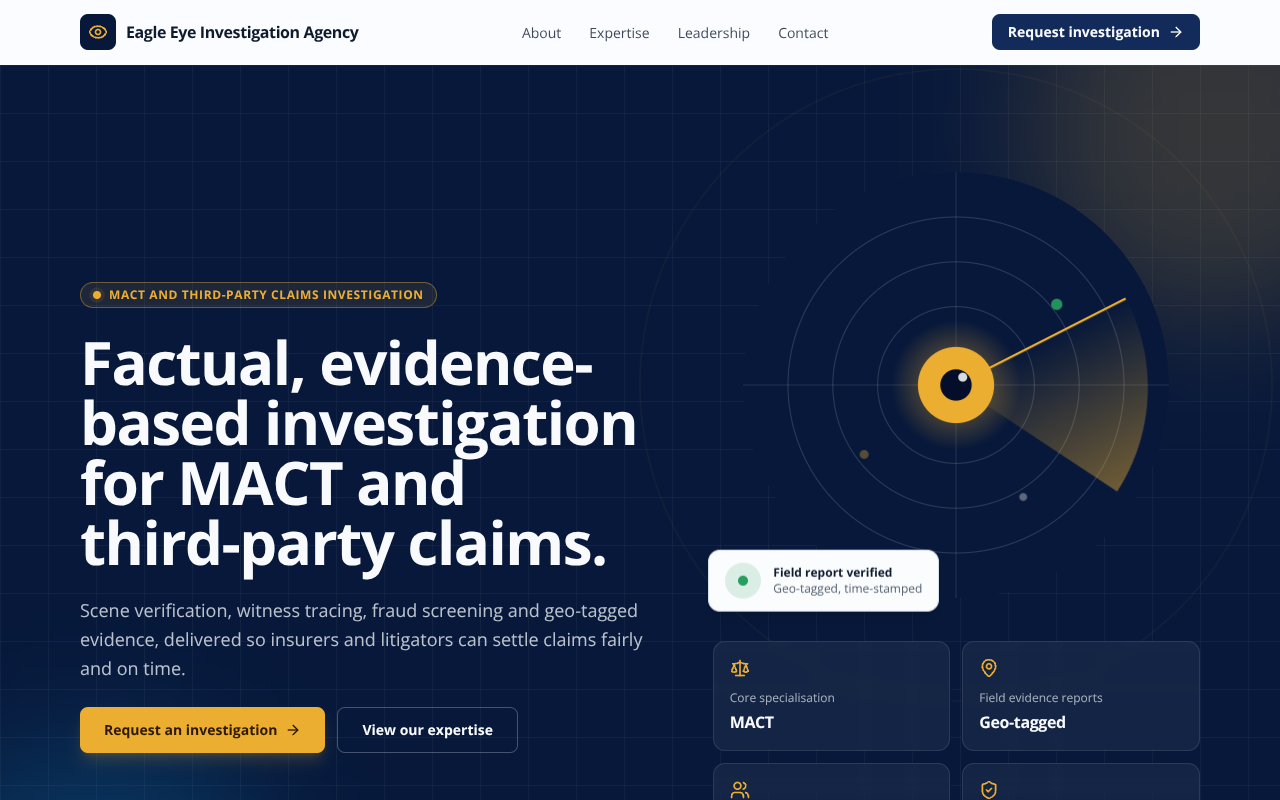 Eagle Eye Investigation AgencyMSManjot Singh
Eagle Eye Investigation Agency Company Profile: Eagle Eye Investigation Agency 1. Company Overview Eagle Eye Investigation Agency is a premier investigation and claims support firm specializing in Motor Accident Claims Tribunal (MACT) and third-party claims. Our multidisciplinary team includes legal experts, insurance professionals, retired judicial officers, and seasoned field investigators who bring decades of collective experience in claim verification, fraud prevention, and litigation support. 2. Vision & Mission Vision: To be India’s most trusted name in MACT and third-party claims investigation, setting benchmarks in integrity, efficiency, and factual accuracy. Mission: To provide comprehensive, evidence-based investigation and reporting solutions that empower insurers and litigators in fair and timely settlements. 3. Core Areas of Expertise MACT Claim Investigations – Scene verification, witness tracing, record retrieval. Third-Party Liability Assessment – Ownership, driver verification, and negligence analysis. Fraud Detection & Prevention – Pattern analysis, background checks, and suspicious claim identification. Legal Assistance – FIR, post-mortem, and medico-legal documentation support. Field Investigation & Evidence Compilation – Geo-tagged reports, witness statements, photo evidence. Claim Analytics – Statistical insights on trends and loss ratios. 4. Leadership & Key Team Members Name S.S. Yadav Designation Chairman – Advisory Board Sr. Advocate Background 25+ years in Insurance & Legal Investigations High Corut M.P./C.G. Judicial Review, Legal Oversight Head Office : LM 09, Mansarovar Complex, Opposite Rani Kamlapati Railway Station, Shivaji Nagar, Bhopal – 462011, Mob. 8349710335, Email: eagleeye.ia09@gmail.com Specialization Manish Chouhan Adv. Shruti Yadav Adv. Rama Vishawkarma Adv. Ashutosh Sharma Mr. Ujjawal Agarwal Mr. Kamal Singh Rajput Somya Dharwa Mr. Patta V. Raman Mrs. Chhaya Kol Dr. Akshay Mahajan Mr. Dinesh Yadav Senior Legal Consultant and Sr. Investigator Legal Consultant Legal Consultant Legal Consultant Adv. Supreme Court Inspector M.P. Police (MP & CG) Sr. Adv. High Court and Supreme Court Senior Analyst Ex. Add. District Judge MP Judicial Service Orthopedic Surgeon 25+ years in Insurance & Legal Investigations 10+ years in Insurance & Legal Investigations 05+ years in Insurance & Legal Investigations District court Ex-LIC Investigator Ex-Police Officer 15+ years in MACT Litigation Former Claims Officer, Oriental Insurance MBA, Insurance Law Specialist 10+ years of experience in diagnosis and recovery of musculoskeletal system 20+ years of experience as a Digital Transformation Leader with strong expertise in IT Infrastructure Medical assessment on the impact of the accident Director – Cybersecurity & Digital Leadership Cybersecurity, Digital Evidence Analysis, and Technology-led Investigation Support Judicial Process, Evidence Assessment Motor Claim Verification, Fraud Control MACT & Civil Litigation MACT & Civil Litigation On-Ground Claim Assessment Accident Scene Investigation Legal Coordination & Representation Claim Review & Analytics Policy, Ethics & Training 5. Clients & Engagements Eagle Eye Investigation Agency has provided services to leading insurance companies such as along with multiple Banks, NHAI, law firms and TPAs. The company has also collaborated with transport authorities for road accident data verification and independent claim analysis projects. 6. Workflow & Methodology 1. Case Intake & Preliminary Review – Collection of FIR, policy, and claimant details. 2. Field Verification – Site visit, witness inquiry, vehicle inspection. 3. Evidence & Record Retrieval – MLC, police report, DL & RC check. 4. Analysis & Report Drafting – Liability assessment, fraud detection. 5. Client Reporting – Structured, photo-supported report within 7–15 days. Head Office : LM 09, Mansarovar Complex, Opposite Rani Kamlapati Railway Station, Shivaji Nagar, Bhopal – 462011, Mob. 8349710335, Email: eagleeye.ia09@gmail.com 7. Infrastructure & Presence Head Office: LM-09, Mansarover Complex, Opposite Rani Kamalapati Railway Station Shivaji Nagar, Bhopal-462011 Mob. 8349710335 Field Network: 50+ trained investigators across state Technology Tools: GPS-tagged reporting system, digital dashboards, secure client portal 8. Compliance & Ethics Eagle Eye Investigation Agency is registered under the Companies Act, 2013 and adheres strictly to IRDAI and legal confidentiality norms. All investigations are conducted ethically, maintaining transparency and zero tolerance for data fabrication. Head Office : LM 09, Mansarovar Complex, Opposite Rani Kamlapati Railway Station, Shivaji Nagar, Bhopal – 462011, Mob. 8349710335, Email: eagleeye.ia09@gmail.com make a website for them
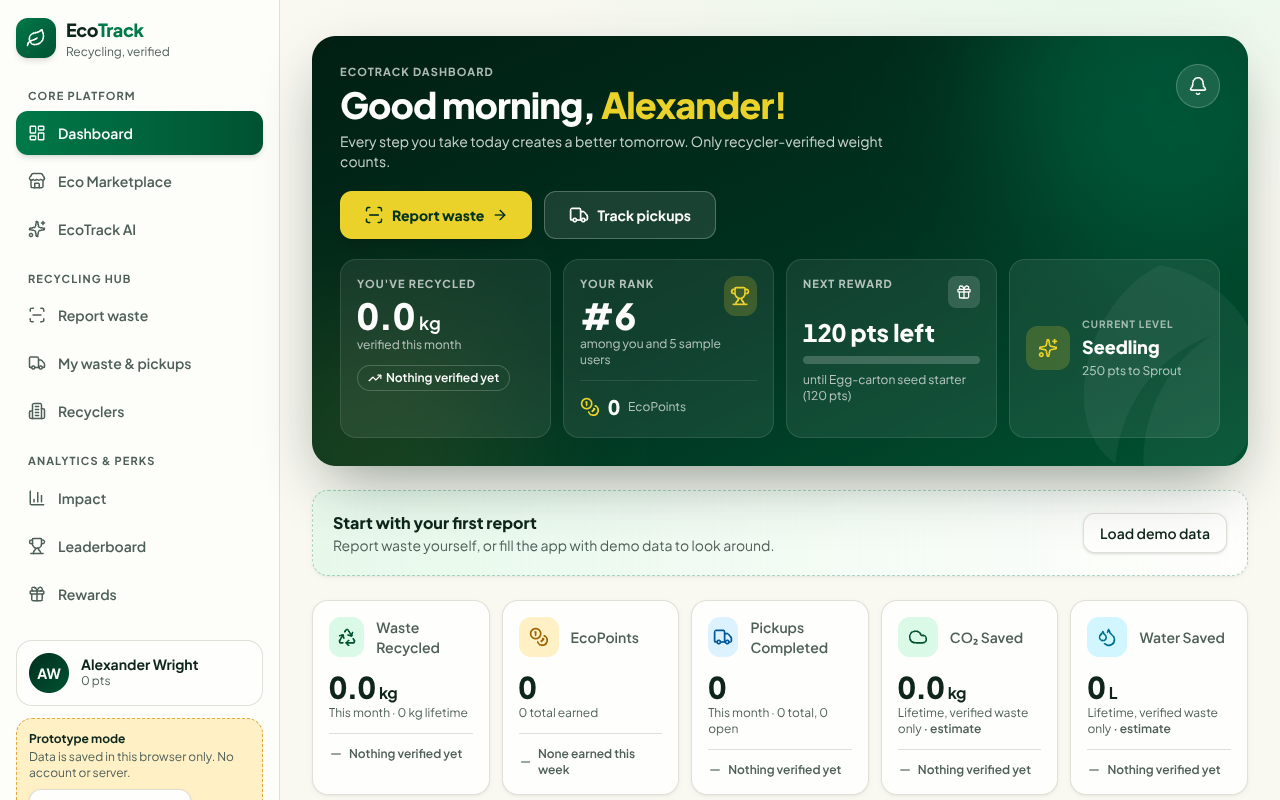 # EcoTrack — Visual Reference Analysis and Buildathon ImplemJKJashanpreet kaur
# EcoTrack — Visual Reference Analysis and Buildathon Implementation ## Project Background We previously built a project called EcoTrack for Build for Good 2026. We now want to use this project as the foundation for our company buildathon. Existing prototype: https://ecotrackk-55ib.onrender.com/dashboard The deployed website may not be accessible from your environment, and the current repository may contain only a starter shell. I will provide screenshots and images from our previous EcoTrack project to help you understand its original design, features, and user experience. ## Your First Task: Analyse the Uploaded Images Carefully inspect every screenshot I provide. For each image, identify: - Which page or section it represents. - The visible features, buttons, navigation items, cards, tables, and charts. - The purpose of that page in the overall application. - The visual design, colours, typography, spacing, and layout. - Any apparent user interactions or workflows. - Opportunities to improve usability, functionality, and accessibility. Treat the screenshots as visual references, not proof that every displayed feature was fully functional. Do not invent functionality that cannot be established from the screenshots or project description. Clearly distinguish visible evidence from assumptions. ## EcoTrack Project Concept EcoTrack is a recyclable waste management platform designed to connect individuals, households, businesses, and recycling partners. Its main purpose is to help people: 1. Report recyclable waste. 2. Identify or categorise different types of waste. 3. Find suitable recycling partners. 4. Schedule and track waste pickups. 5. Monitor recycling progress and environmental impact. 6. Participate in sustainability initiatives through meaningful rewards. The previous project also explored dashboards, rewards, points, leaderboards, and community impact. ## Your Second Task: Build the Improved Application After analysing the screenshots, combine the visual references with the project concept to create a cohesive, improved EcoTrack application. Prioritise a complete, functional user journey: Report waste → Identify waste → Match with a recycler → Request pickup → Track pickup → View verified impact. ### Design requirements - Preserve recognisable elements of the original EcoTrack design where useful. - Improve the interface rather than copying every design decision blindly. - Use a clean, modern, sustainability-focused visual identity. - Ensure consistent navigation, typography, spacing, colours, and components. - Make the application responsive on mobile, tablet, and desktop. - Avoid cluttered dashboards, meaningless statistics, and unnecessary decorative elements. - Give every visible interactive element meaningful behaviour. ### Functional requirements - Implement working forms and waste reports. - Provide realistic recycler matching based on available data. - Support pickup requests and clear status transitions. - Track collected waste separately from reported waste. - Make environmental calculations transparent and label estimates appropriately. - Integrate genuine AI functionality where supported by available services and credentials. - Clearly label demo data and unavailable integrations. ## Important Implementation Rules 1. Analyse all uploaded screenshots before making major implementation decisions. 2. Do not claim to have accessed the deployed website if you could not access it. 3. Do not claim to have inspected or reused unavailable original source code. 4. Inspect the current repository and use its existing framework and tooling where practical. 5. Do not discard useful existing code or unnecessarily rebuild configured infrastructure. 6. Build the actual application if your environment supports code changes; do not stop at a design description. 7. Test the main user journeys and explain any limitations honestly. ## Expected First Response After reviewing the images, provide: - A concise summary of the original EcoTrack design and features you can observe. - A list of pages and workflows inferred from the references. - The main improvements you recommend. - A prioritised implementation plan. Then proceed with implementation, unless essential information is missing. Our goal is to evolve the original EcoTrack concept into a professional, useful, functional, and impressive company buildathon project—not merely produce a collection of attractive screens.
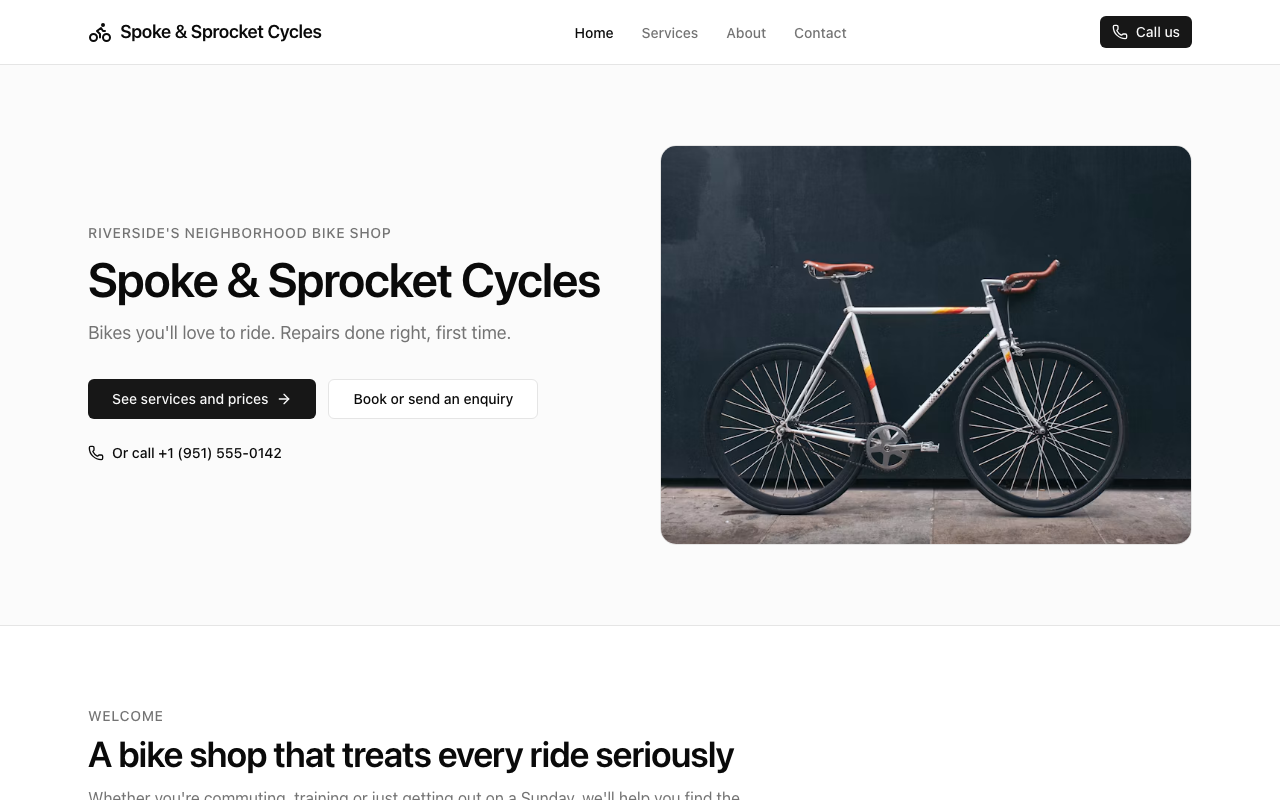 small website for my cycles businessTMTemo Mail
small website for my cycles business
- Create TeamPulse, an AI-powered project and team management PLPriyanka Lodha
Create TeamPulse, an AI-powered project and team management assistant for project managers and project leads. Theme: Productivity at Work — AI for Everyday Problems. Problem: Project managers spend too much time chasing daily employee updates, tracking tasks across projects, preparing reports, and identifying delays. Target users: Project managers, project leads, and small IT teams. Build a polished, responsive web application with these core features: 1. Dashboard showing total projects, team members, completed tasks, pending tasks, overdue tasks, and blocked tasks. 2. Project tracking with project names, deadlines, assigned employees, status, and progress. 3. Team workload tracking showing each employee's assigned tasks and current workload. 4. Daily stand-up updates where team members record completed work, next steps, and blockers. 5. Project Risk Radar that identifies overdue tasks, blocked work, and upcoming deadlines. 6. Daily management summary that consolidates actual task progress, key blockers, and recommended actions. 7. Searchable task list with the ability to add tasks, edit tasks, and update their status. 8. A professional, modern SaaS dashboard design with clear charts, readable tables, and a left navigation sidebar. Use realistic sample data for 3 projects, 8 team members, and 15 tasks so I can demonstrate the application immediately. Prioritize working interactions over a large number of features. Make sure buttons and navigation work, dashboard figures update when task data changes, and the app clearly distinguishes sample data from real submitted updates. I am a non-technical project manager building this for an internal Buildathon. Explain any setup steps in simple language. Do not require API keys or external integrations for the initial prototype. Build the application and show me the preview.
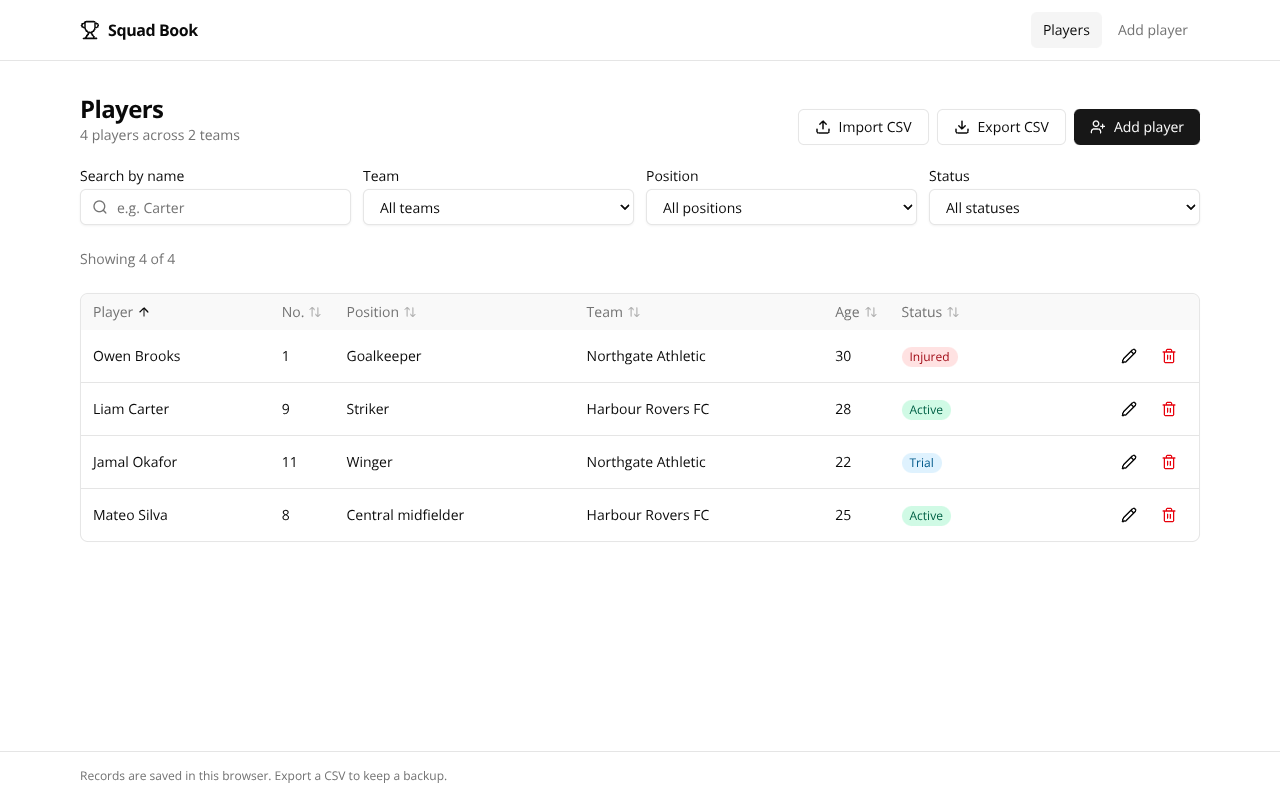 an app to key in my football players dataSMSumani Mohammed
an app to key in my football players data
- Crown and TreasonASAsmi Sharma
Build a complete, single-file interactive strategy game in React using Tailwind CSS called Crown and Treason: The Living Board, inspired by the papercraft style and game theory of Nicky Case's The Evolution of Trust. Do not use placeholders, TODOs, or truncate code. Write the entire code in full. Exact Piece Personalities and Dialogues (Use this exact mapping in your code): Black Pawns on row 1: Pawn at column e (e7): The Conscript. Dialogue: "They gave me a wooden spear and left me in the mud! Spare me and I will defect to your side!" (Button: Accept Treason - turns this pawn to White on the board). Pawn at column d (d7): The Zealot. Dialogue: "I will gladly bleed for my King! No bribes, no surrender!" (Button: Clash - continue attack). Pawn at column c (c7): The Coward. Dialogue: "Please do not come closer! I will drop my weapons if you promise safe passage!" (Button: Accept Surrender - removes pawn peacefully). Pawn at column f (f7): The Royal Guard. Dialogue: "You will not touch the King while I draw breath!" (Button: Challenge Guard). Pawns at columns a, b, g, h: The Conscripts. Dialogue: "We are tired of dying for this throne! Give us a reason to switch sides!" Black Knights on row 0 at columns b and g (b8 and g8): The Mercenary. Dialogue: "Pay me 3 coins right now and I will pack up my horse and leave before our blades ever cross." (Button: Pay Bribe - costs 3 coins, removes knight peacefully). Black Bishops on row 0 at columns c and f (c8 and f8): The Inquisitor. Dialogue: "You bring cold iron against God's vicar? Repent before holy fire consumes your vanguard!" (Button: Defy Inquisitor). Black Rooks on row 0 at columns a and h (a8 and h8): The Iron Bastion. Dialogue: "Stone does not bend. Break yourself against my battlements—I do not bargain with invaders!" (Button: Siege Bastion). Black Queen on row 0 at column d (d8): The Puppetmaster. Dialogue: "A King wears the crown, but I move the court. Turn your attack to the flank, and I grant you safe passage." (Button: Accept Royal Compromise - grants 3 coins). Black King on row 0 at column e (e8): The Paranoid Monarch. Dialogue: "Treason in every corner! Guards, slay this assassin before the crown falls!" Gameplay and Interaction Rules: Captures are instant executions: when a piece moves onto an occupied enemy square, it executes them immediately. The enemy piece is deleted from the board array with zero popups or delay. Field Dialogues on empty moves: when a White piece moves to an empty square, find the closest Black piece on the board. Display that Black piece's title, avatar emoji, and exact dialogue in a speech bubble on the right side of the screen, along with its specific action buttons. If the player clicks Accept Treason on a Conscript, that pawn's team immediately changes to White on the board and fights for the player. If the player clicks Pay Bribe or Accept Compromise, add coins to the player's coin counter. Provide an Ignore and March button on every dialogue to continue normal chess play. Visual Style (Nicky Case Papercraft): Warm off-white paper canvas background with dark charcoal text. Clean white cards with bold 2-pixel dark borders and solid drop shadows. Chunky paper buttons that visually press down when clicked. Alternating cream and cardboard tiles on an 8x8 chessboard with coordinates A to H and 1 to 8. Use standard Unicode chess pieces in warm amber for White and charcoal for Black. A prominent narrative banner across the top showing the Chronicler's story updates on every turn. A victory modal with a play again button when a King is captured. Implement all standard move logic for pawns, knights, rooks, bishops, queens, and kings, with safe null checks on every cell.
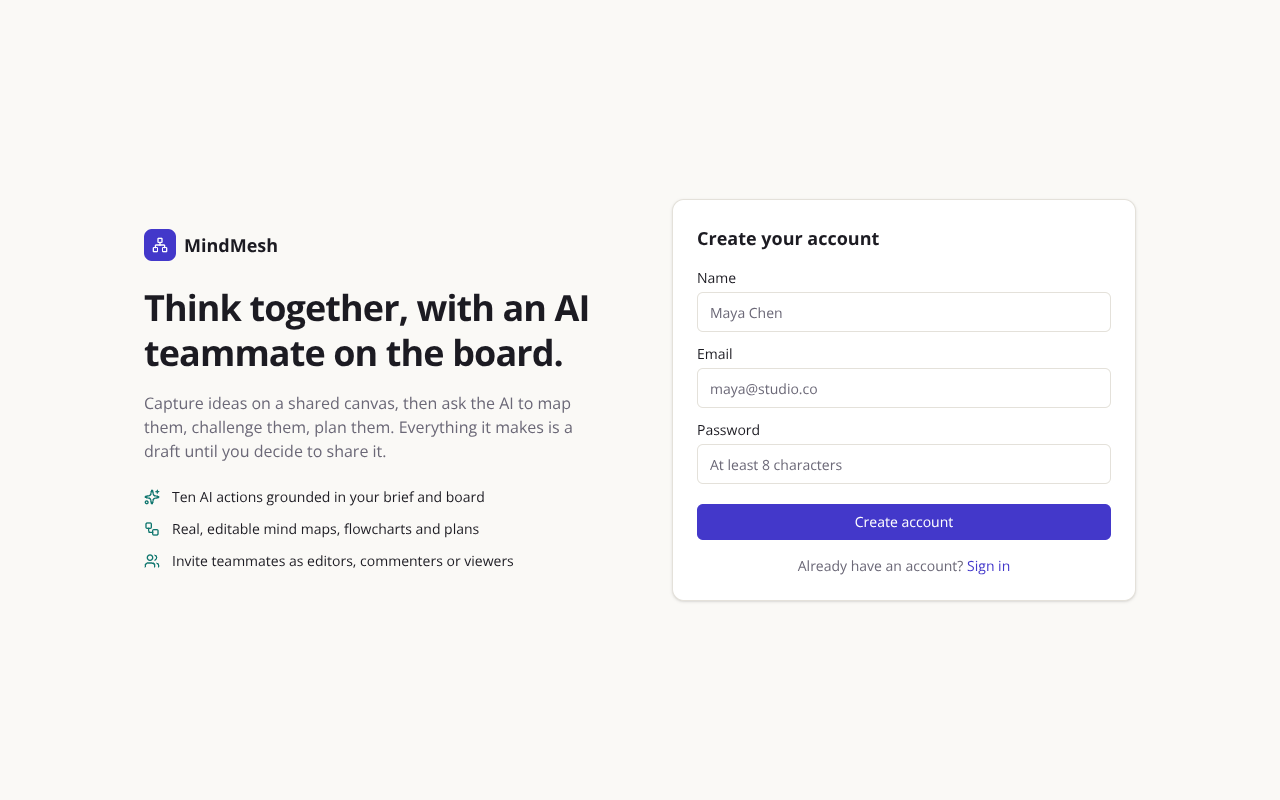 # MindMesh — Implement the AI Teammate and Visual GenerationBUBuildify user
# MindMesh — Implement the AI Teammate and Visual Generation Engine Extend my existing MindMesh project. Preserve the current design and all working features. Do not rebuild the application from scratch. ## A. Create a real AI teammate Build a dedicated AI teammate powered by the Claude API through a secure server-side integration. The AI teammate must understand: - The user's current request. - The project brief. - Selected canvas items. - Relevant board content. - Previously shared AI results and decisions when needed. Provide these actions: 1. Generate new ideas. 2. Improve an existing idea. 3. Connect selected ideas. 4. Challenge assumptions and identify gaps. 5. Generate alternatives. 6. Create a mind map. 7. Create a flowchart or decision tree. 8. Create a project plan. 9. Summarise the board. 10. Convert accepted ideas into action items. Use the same secure Claude integration with different task-specific instructions and validated output schemas. ## B. Implement real mind-map generation When a user selects "Create Mind Map": 1. Ask for a topic or use selected board content. 2. Send the topic and relevant context to the Claude API. 3. Request structured data containing a central topic, hierarchical nodes, labels, parent-child relationships and optional branch colours. 4. Validate the returned data. 5. Render the data as a genuine visual mind map using editable nodes and connectors. 6. Automatically arrange the nodes so the diagram is readable. 7. Display the result as a draft with Add to Canvas, Edit and Dismiss controls. Each node must support editing its label, adding children, deleting the node and moving it. Where practical, include an "Expand this branch with AI" action that generates new children for the selected node. Preserve existing notes. Do not replace the user's board with an image of a mind map. ## C. Implement other AI-generated visuals Use structured AI outputs and appropriate renderers to create: - Flowcharts. - Decision trees. - User journeys. - Process diagrams. - Brainstorming clusters. - Project plans. - Creative moodboards. Each output should be editable and saveable. Do not display a static illustration in place of a functional diagram. ## D. Shared AI workflow Support two visibility modes: - Private draft: visible only to the requesting user. - Shared result: visible to authorised board members after the user publishes it. Published AI results should be stored in the shared database, linked to their source request and associated with the user who generated them. Collaborators should be able to comment on, edit and build on shared results according to their permissions. Keep AI drafts separate from approved decisions. Never silently overwrite board items or automatically publish private content. ## E. Context-aware AI actions When one or more items are selected, the AI panel must offer actions relevant to those items. Examples: - Select two notes → Connect Ideas. - Select a topic note → Generate Mind Map. - Select a branch → Expand Branch. - Select a workflow → Generate Flowchart. - Select the board → Summarise Board. - Select approved ideas → Create Action Plan. Allow users to inspect the context being sent to AI when practical. Enforce board permissions before accessing any data. ## F. AI response and rendering architecture Separate the following responsibilities: 1. Frontend: user interface and selection. 2. Backend: authentication, permissions and secure API requests. 3. Claude: reasoning and structured content generation. 4. Validation layer: checks the returned data and handles invalid output. 5. Rendering engine: converts validated structures into actual canvas elements. 6. Persistence layer: saves approved items to the correct board. Never put the Claude API key in browser code. Use server-side secrets or environment variables. Handle missing API credentials, loading, invalid output, rate limits, network failures and retry actions clearly. Do not fabricate successful AI results. ## G. Multiplayer behaviour Use the existing shared data model and authentication system where possible. Persist published AI results so authorised collaborators can access them. Synchronise changes using the backend's supported capabilities. If real-time updates are unavailable, provide a reliable refreshable fallback and do not claim instant synchronisation. ## H. Acceptance tests Verify these scenarios end to end: 1. User submits a topic and receives a real Claude-generated response. 2. User generates a mind map that renders as editable nodes and connectors. 3. User expands one branch without losing the rest of the map. 4. User edits and publishes the map to the shared board. 5. Another authorised collaborator can view and edit the published map. 6. User generates a flowchart from selected notes. 7. API failures produce a clear error rather than fake content. 8. Existing board items remain intact throughout the process. Inspect the existing architecture before making changes. Implement and test one workflow at a time. Report which features genuinely work and which still require configuration.
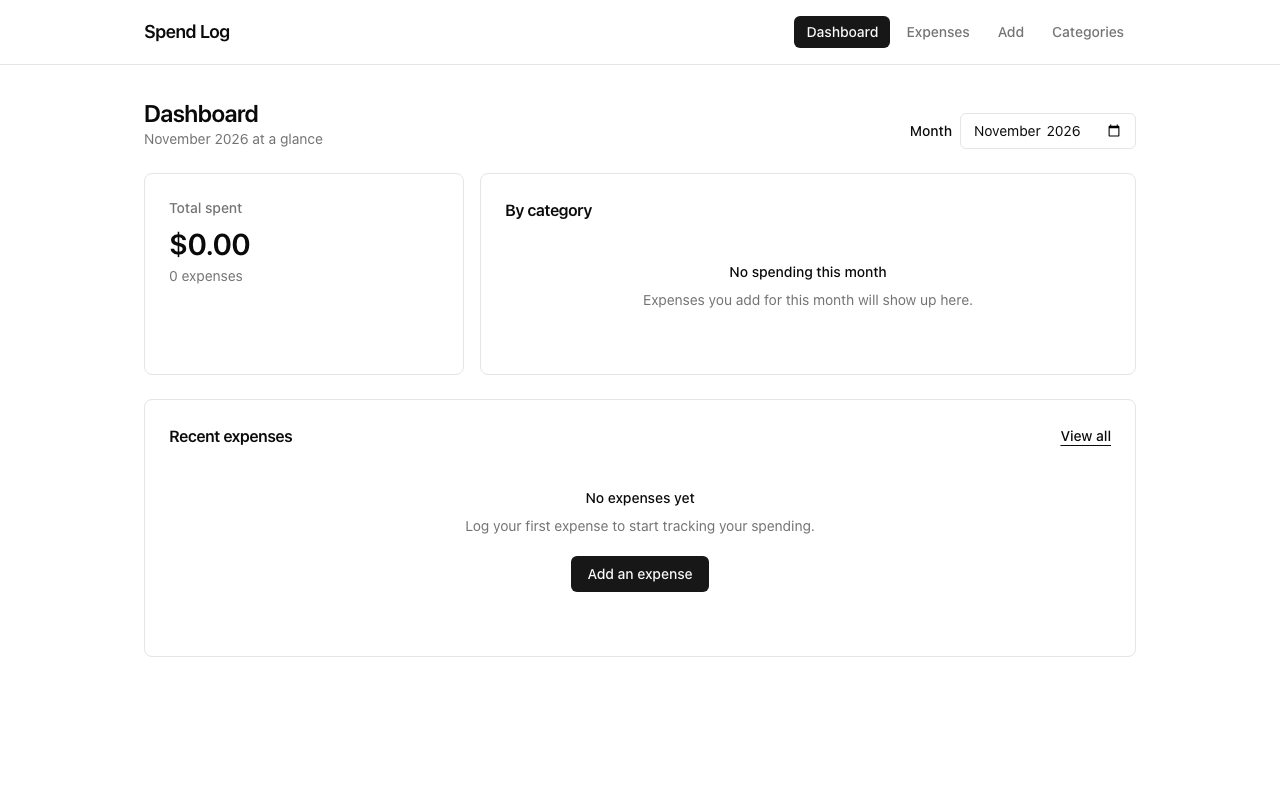 make a simple expense tracker appRGRounak Gera
make a simple expense tracker app